
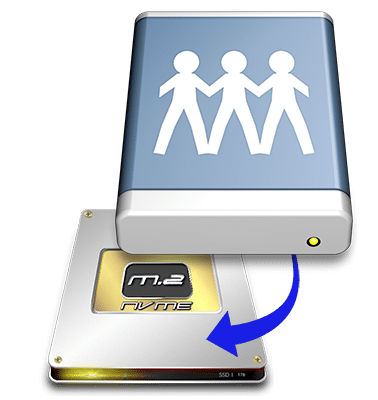
Workflow Acceleration for Remote Edit
and Low-Bitrate Connections
Facilis FastCache
Client workstations connected to the Facilis servers through any method can use FastCache, although the lower-link speed connections like VPN and WANLink will benefit the most from this feature. Any data that is read from the shared storage volumes through the normal connection will be written locally to an encrypted data set. This data set is only available to be used when connected to the server and mounting the matching storage volume. This ensures that administrative permissions will be upheld even for cached data.
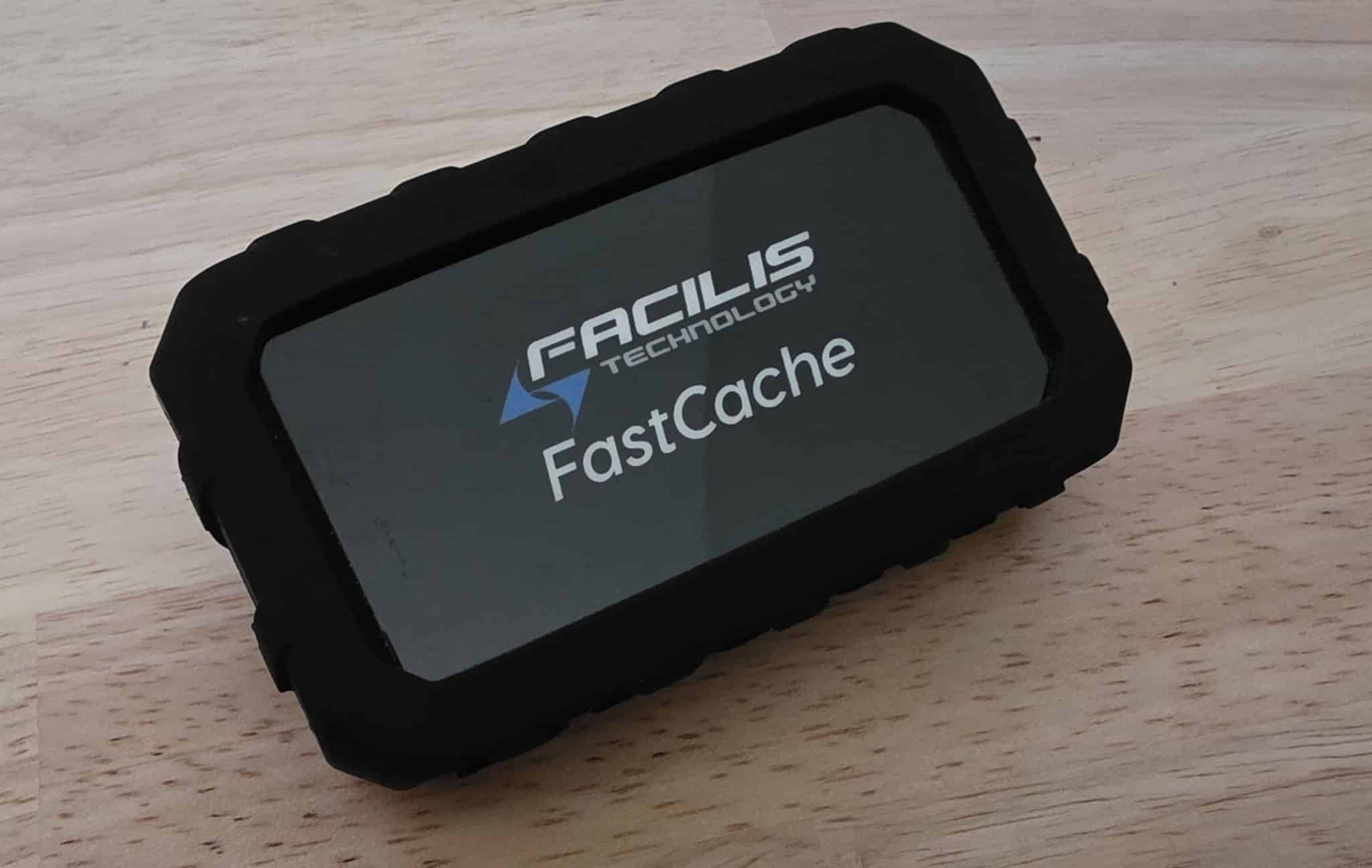
Facilis FastCache 4TB Drive

Because the local storage or RAM copy of the data is likely faster than the server connection, playback of video files will succeed even if the server connection may not support real time streaming. The editing application will continue to use the mounted volume through the low bitrate connection as the source of the video files, but when reading any data that has previously been read, the cached version will automatically be used instead. If any files change on the server, they are re-read and thereby re-cached, and the previous data is flushed. There is no need to synchronize or update the cache in any way besides simply reading the new file as a part of the editing workflow.
Key Features and Benefits:

Higher Client Performance
When using NVMe or SSD, the speed of access could be much greater than normal network connectivity. Client workstations will have the benefit of higher performance in the project video timeline when data has been cached locally. Data can be cached normally as partial files so only the data being read is cached, or pre-cached in the file’s entirety so that no further caching is required if additional files are used during the session.
Lower Server Load
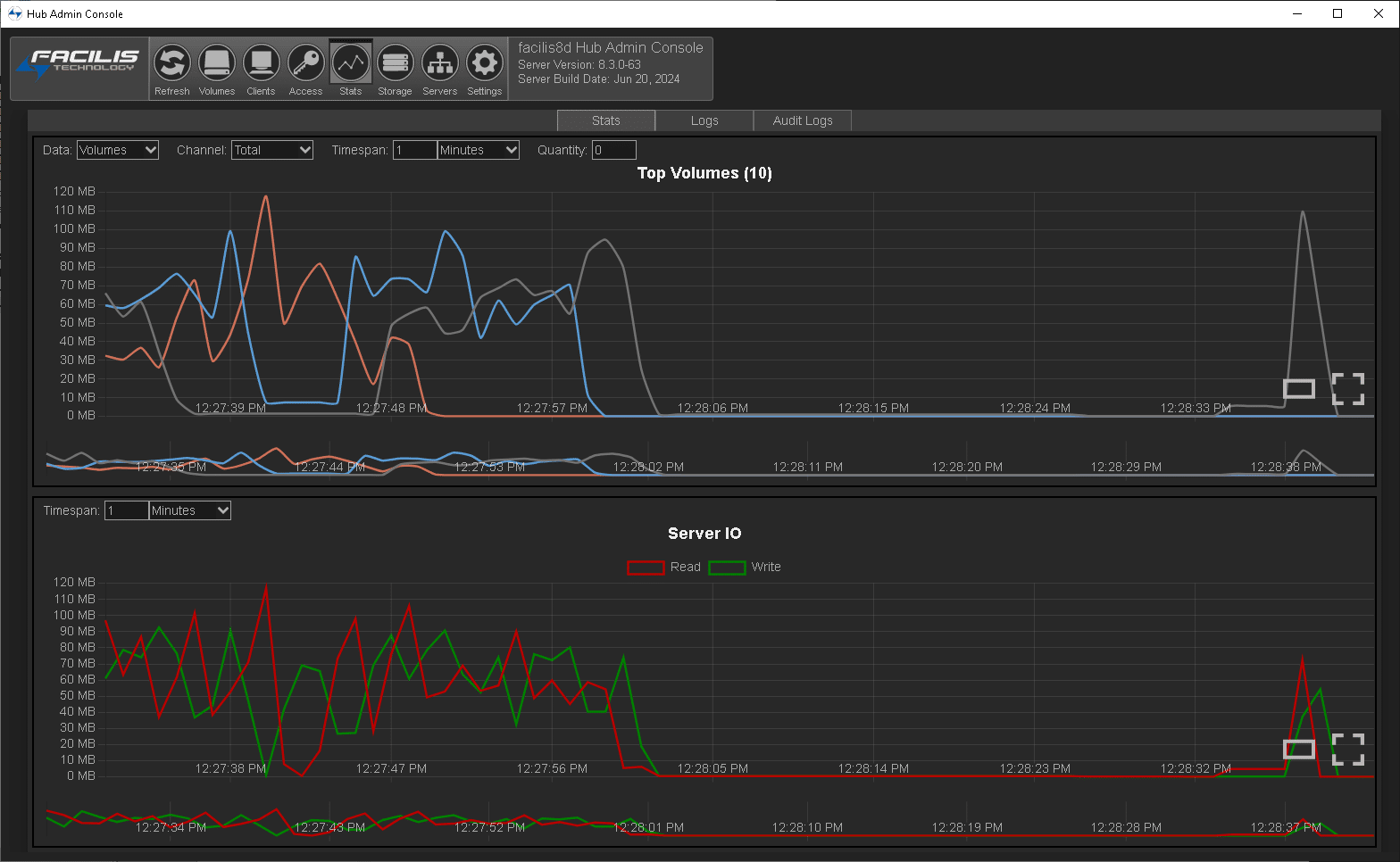
Much of the client load on storage servers consists of reading files that had previously been read. With client-side caching, there is no need to access files on the server that have previously been read. This lowers the overall usage of the server which can extend the life of server components and overcome issues or bottlenecks in network infrastructure.
Use Cases:
Remote Access and Edit – in conjunction with Facilis’ WANLink remote access feature, or customer-managed VPN, remote workstations can perform to a higher level through client-side caching.
Slow LAN Connectivity – Some facilities are utilizing a network that is limited to 1Gb and may be routed through a series of switches or over a long distance which increases latency. When caching data locally, the client becomes less reliant on the slow network infrastructure.
Call us today at 978-562-7022 to learn more about what is included in our video storage servers.
